
Pipelines & stages
Stage-based deals with custom fields and automations when a lead moves — lead → booked → won.
Guide · Updated November 2026 · 14 min read
Yes for most small and mid-size businesses that need pipeline + SMS + booking in one contact record — not just one niche. No if you need enterprise RevOps forecasting or a simple contact list with zero learning curve.
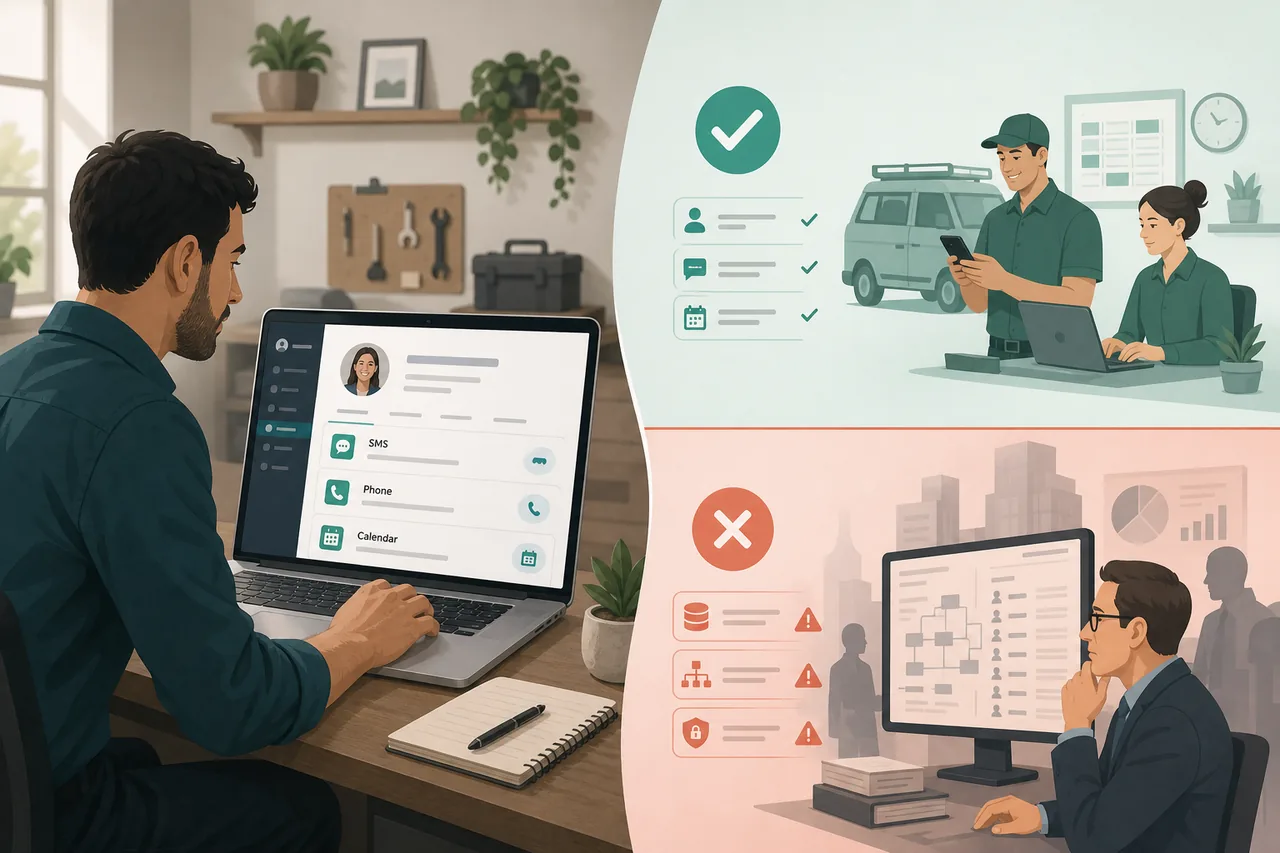
CRM verdict tested on live pipelines, inbox, SMS, and booking workflows · How we review · Affiliate disclosure · Affiliate links do not change our scores
Is GoHighLevel a good CRM? Yes — as an operational CRM for small and mid-size businesses that live on leads, texts, calls, bookings, and follow-up — clinics, consultants, coaches, agencies, home services, retail, and most teams that sell by conversation. Contacts, pipelines, two-way SMS, call logging, calendars, and a unified inbox sit on one record, so staff can answer a lead in minutes instead of hunting across five apps. Quieter but huge pluses: you can experience the full CRM in a 14-day free trial before committing, and HighLevel runs a large support team with onboarding calls with engineers — the difference between “bought a CRM” and “CRM that actually runs.”
It is not a good CRM if your definition starts with multi-team forecasting, custom object graphs, or board-ready RevOps reporting. In that world HubSpot Professional or Salesforce still win. And it is not a field-service operations system — Jobber and Housecall Pro own dispatch and work orders.
We tested pipelines, inbox, SMS-from-contact, stage automations, and booking on a live paid account — same method as our how we review rubric. Affiliate commissions do not change the score. For the feature/scoring deep dive, see GoHighLevel CRM review.
Ready to see for yourself? Start the GoHighLevel 14-day free trial — or use our done-for-you setup.
Two underrated reasons GoHighLevel is a good CRM: you can experience the full product in a trial, and you’re not left alone when setup gets hard.
Most CRM comparisons obsess over feature checklists. Buyers care whether they can try the CRM, then get a human who knows the stack when something breaks. HighLevel does both: a real trial period to experience the product, plus a huge support bench and engineer onboarding calls.
Start the 14-day free trial Prefer done-for-you? Setup service
Skip the vague “all-in-one” pitch. These are the figures that show up in budget meetings and trial checklists.
Typical one-location all-in after trial: ~$110–130/mo (Starter + SMS/phone usage). Full TCO on the pricing page.
Experience GoHighLevel free for 14 days 14-day free trial · Or have us set it up
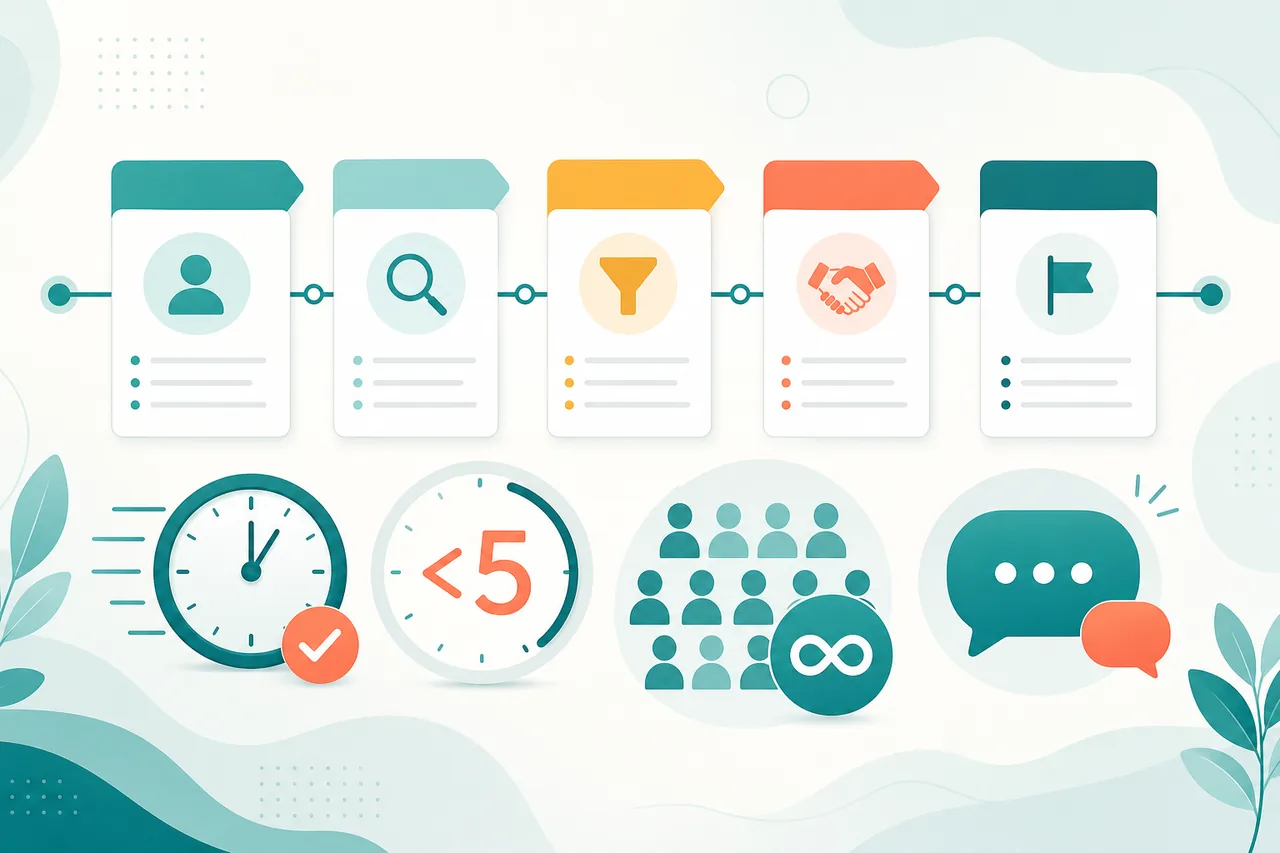
Built for small and mid-size businesses across industries — not one niche. If most of the left column matches your week, GoHighLevel is a good CRM for you.
Try GoHighLevel free — see if you fit 14-day free trial · Or have us set it up
Not a funnel tour. These are the CRM jobs local businesses hire the platform for — each icon file is named for this keyword so assets stay discoverable and consistent.
Stage-based deals with custom fields and automations when a lead moves — lead → booked → won.

SMS, email, calls, and social DMs on one thread so staff never lose the conversation.

Native texting from the contact and deal — critical when speed-to-lead is measured in minutes.

Calendars live next to the contact so reception books without leaving the CRM.

No per-contact tax as the list grows — unusual CRM economics vs HubSpot tiers.

Workflows fire on form fill, missed call, no-show, or stage change without Zapier glue.

Reputation tools after a closed job — turn happy customers into Google reviews.

Isolate each client CRM; snapshots clone proven pipelines. Why agencies call it “good.”
Test these CRM features in a free trial 14-day free trial · Or have us set it up
This is where “is GoHighLevel a good CRM?” becomes a practical yes — not a feature checklist, but how fast a human can act on a lead.
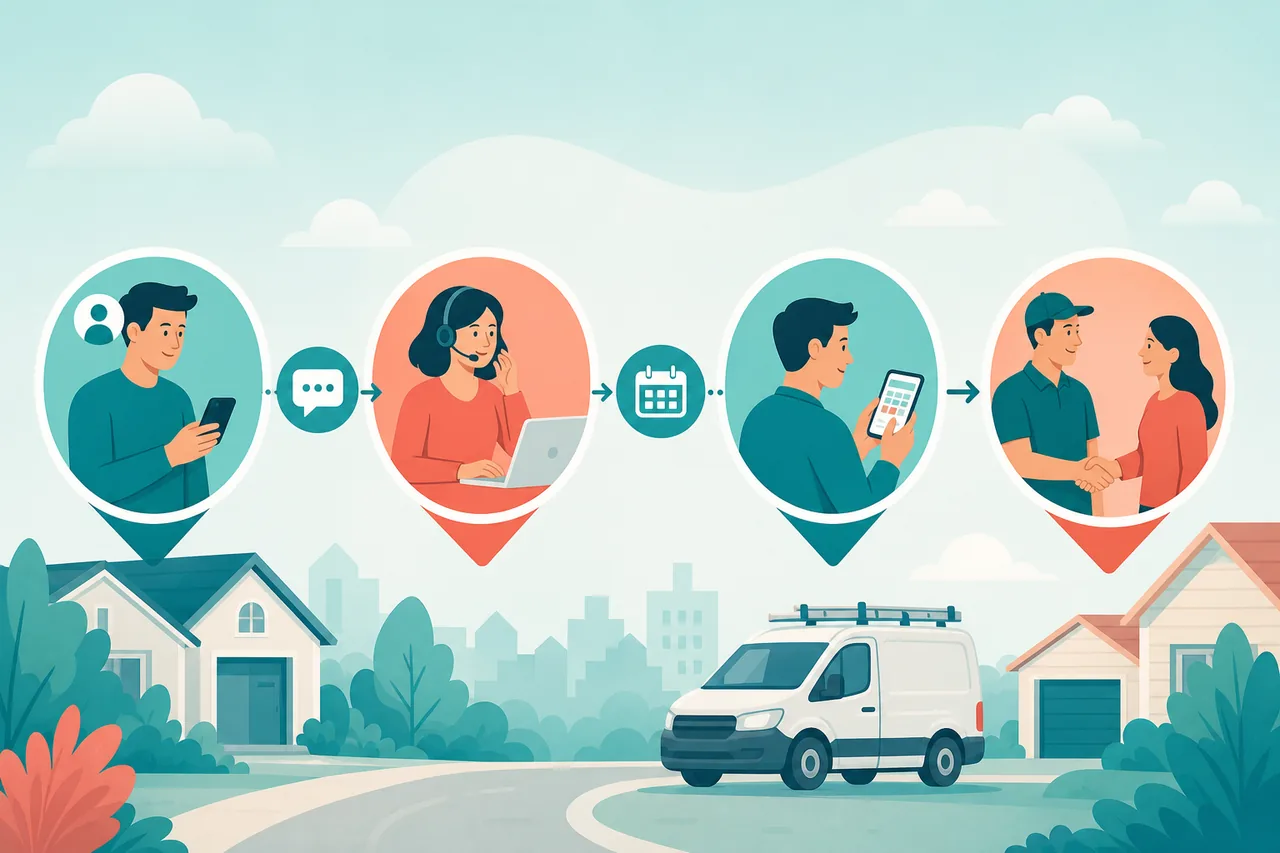
Pipelines support the stages most small and mid-size sales cycles use — lead → contacted → booked or quoted → won. Stage changes can trigger workflows — the same patterns we document in speed-to-lead and no-show SMS.
Unified inbox is the CRM superpower: SMS, email, Facebook/Google messages, and calls land on one thread. Staff reply without tab-hopping. Run your lag through the lead response time calculator.
Contacts model: unlimited contacts and users removes the “will my bill jump when the list grows?” anxiety. Custom fields cover service type, location, and appointment date. Deeper scoring: CRM feature deep dive.
Want to click through a live pipeline? Open a GoHighLevel 14-day trial.
Buyers who fail usually install the platform and never wire follow-up. Wire these four first — then decide if the CRM is “good” for your business.
Text every unanswered caller in seconds with a booking link. Guide: missed call text-back.
Auto-text the moment a form submits so the lead doesn’t call your competitor. Guide: automated form text.
Confirm at booking, then 24h and 2h SMS with one-tap reschedule. Guide: SMS reminders.
Ask for a Google review when the deal hits Won. Guide: more Google reviews.
Build these automations in a free trial 14-day free trial · Or have us set it up
DIY checklist: setup checklist
Synthesized from recurring G2, Reddit, Trustpilot, and community themes (not paid testimonials). Patterns matter more than any single five-star review.
“Replaced five tools” — CRM, SMS, email, calendar, and reviews in one bill shows up constantly when the CRM is used for follow-up ops.
Praise theme · consolidation value
Unlimited contacts/users and agency sub-accounts are the most-cited reasons agencies call HighLevel a “good CRM” for client delivery.
Praise theme · agency economics
Native two-way SMS + workflows for missed calls and reminders is why service businesses stick after the learning curve.
Praise theme · speed-to-lead
14-day free trial so you can experience the CRM live, plus a huge support bench and engineer onboarding calls. Try it, then get help to make pipelines and SMS stick — a major reason we say yes.
Our take · trial + support
DIY onboarding still feels steep if you skip help — reviewers often cite 2–4 weeks. Book the engineer onboarding call; don’t white-knuckle it alone.
Complaint theme · learning curve (fixable)
Base price ≠ total cost. SMS, phone, email, AI, numbers, and A2P fees stack on top of $97 / $297 / $497.
Complaint theme · usage fees
Email deliverability needs SPF/DKIM/DMARC and warm-up. Edge-case tickets can still take patience — use official support and engineer sessions, not only community posts.
Complaint theme · email setup
Judge it yourself — 14-day free trial 14-day free trial · Or have us set it up
Honest full review: GoHighLevel review · Methodology: how we review
A CRM is only good if you can keep paying for it after month three. Sticker price vs all-in cost matters.

~$110–130/mo
Starter $97 + typical SMS/phone usage for a one-location shop. Pipeline, inbox, booking, review asks included. Unlimited contacts. Full TCO: GoHighLevel pricing.
$297–497/mo
Unlimited ($297) for sub-accounts; Agency Pro ($497) for SaaS Mode / white-label resale. Usage still meters per sub-account.
~$150–350/mo
CRM + Calendly + texting + review tool + Zapier. Works until tabs multiply or one vendor raises prices alone.
Estimate your texting bill with the SMS cost calculator.
See your own usage during the GoHighLevel free trial before you commit to a plan.
Start free — check real cost in the trial 14-day free trial · Or have us set it up
Calling it a “good CRM” does not mean it replaces every system in the building. Clear boundaries prevent bad buys:
Service-business shortlist: best CRM for service business. If ops CRM + SMS is the job, try GoHighLevel free for 14 days.
Same question — “is GoHighLevel a good CRM?” — different answers depending on what you compare it to.
| You need… | Pick | Why |
|---|---|---|
| Ops CRM + SMS + booking | GoHighLevel | Native messaging + pipeline + calendar on one record |
| Enterprise reporting / RevOps | HubSpot | Forecasting, integrations, inbound depth |
| Field dispatch & work orders | Jobber / Housecall Pro | Ops system — not a marketing CRM job |
| Simple deal tracking only | Pipedrive | Lighter CRM, less messaging built in |
| Funnels only | ClickFunnels | Simpler day-one funnels; weaker ops CRM |
| Agency multi-client CRM | GoHighLevel | Sub-accounts + snapshots + optional SaaS Mode |
Compare in practice — start a free trial 14-day free trial · Or have us set it up
Same CRM question, different industries. Small and mid-size teams — services, retail, coaching, agencies — all runnable without leaving the contact record.
Run your own day-one CRM trial 14-day free trial · Or have us set it up
Same rubric as the full review — weighted for pipeline, inbox, and automation buyers asking “is GoHighLevel a good CRM?”
Still deciding? Start the free trial 14-day free trial · Or have us set it up
Next reads: CRM feature deep dive · full GoHighLevel review · vs HubSpot · CRM quiz
Yes for small and mid-size businesses that run on leads, follow-up, messaging, booking, and pipeline stages — retail, professional services, coaches, consultants, clinics, home services, agencies, and similar teams. Prove it in a 14-day free trial, then lean on a large support team and engineer onboarding calls. No for enterprise analytics or pure field-service dispatch ops. It’s an operational CRM — not a boardroom CRM.