How to reduce appointment no-shows with SMS reminders
Answer first: most no-shows are forgetfulness, not malice — a short SMS sequence (confirm at booking, remind 24 hours out, nudge 2 hours before) with a one-tap confirm or reschedule link cuts empty chairs sharply when messages deliver reliably. The fix is timing and friction, not nagging.
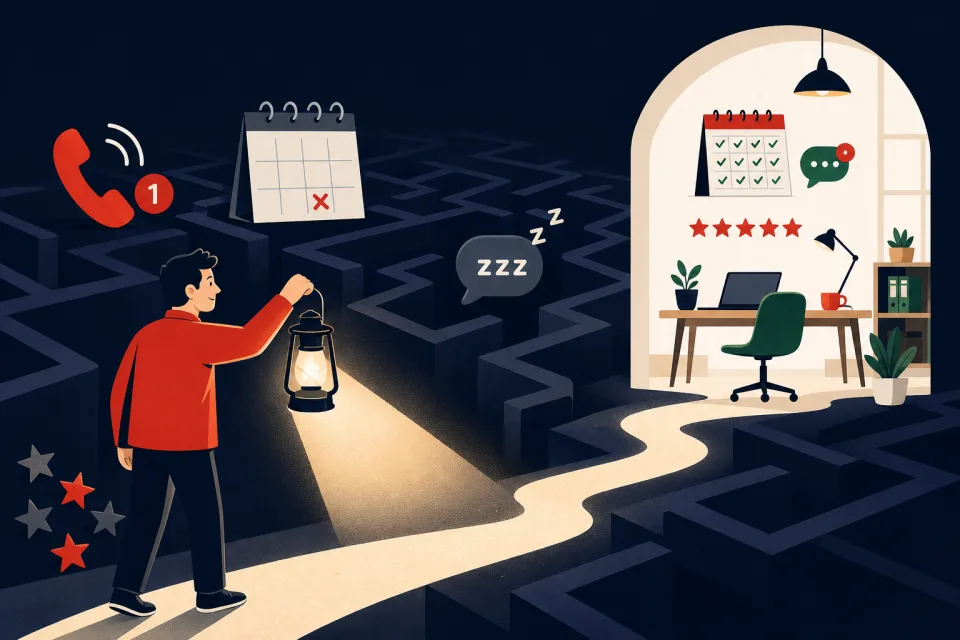
Why no-shows are a revenue leak (not a discipline problem)
Every empty chair is revenue you already marketed for — the ad spend, the booking call, the drive time — with nothing at the end. Industry surveys put no-show rates around 10–30% for appointment businesses; at a $150 average ticket and twenty slots a week, even 15% is roughly $1,900/month walking out the door. Our no-show cost calculator turns your numbers into a dollar figure in thirty seconds.
Clients rarely no-show to spite you. Life intervenes, the appointment slipped their mind, or they meant to cancel and never did. That is a communication problem — and SMS reminders fix communication at scale.
The three levers that actually cut no-shows
Timing beats one mega-reminder. Confirmation right after booking, a message 24–48 hours before, and a final nudge 2–4 hours before catches both forgetfulness and last-minute conflicts. Friction beats clever copy — include a direct confirm or reschedule link on mobile, not "call us to move it." Commitment on high-risk slots — a small deposit or card on file for prime times — adds accountability when reminders alone are not enough.
Generic scheduling blogs stop at "send a reminder." They rarely show carrier compliance, real SMS cost, or what to automate on a live account.
Build SMS reminder automation in GoHighLevel
We run this on GoHighLevel because calendar, SMS workflows, and the unified inbox are one subscription — the same stack we use for missed-call text-back, speed-to-lead, and review requests. The build:
- Connect your calendar. Use GHL's calendar (or sync Google/Outlook) so every booked appointment becomes a workflow trigger with the client's name, time, and mobile number.
- Send booking confirmation immediately. SMS or email: date, time, address or video link, and one line — "Reply C to confirm or tap here to reschedule: [link]."
- 24-hour reminder workflow. Trigger: appointment start time minus 24 hours. Message: short, named, one link. Example: "Hi [name], reminder for tomorrow at [time] with [business]. Confirm or reschedule: [link]."
- 2-hour final nudge. Same workflow branch or second workflow — "See you in 2 hours at [address]. Need to move it? [link]." Two SMS touches total; more starts to feel like spam.
- Route replies to the inbox. Confirmations and reschedule requests land in the GHL inbox; assign someone to watch it or auto-offer alternate slots from the calendar.
- Quiet hours and STOP. No texts before 8am or after 9pm local; honor opt-out automatically — both are checkboxes, both matter legally.
A2P 10DLC — why reminders fail without it
If reminder texts go out by SMS in the United States, carriers require A2P 10DLC registration before business messages deliver reliably. Unregistered numbers often work in testing then get filtered in production — the same failure mode we document in our missed-call guide. See our A2P 10DLC registration guide for the full walkthrough.
Register your brand and appointment-reminder campaign in Settings → Phone Numbers → Compliance before you turn the workflow on. Approval typically takes a few business days. Email-only reminders can go live sooner if you need coverage before SMS is approved.
What it costs to run SMS reminders
Reminder automations are included in GoHighLevel's $97/month Starter plan. Usage adds roughly $0.0083 per SMS segment per message sent. Two reminders per appointment ≈ two segments — at 80 appointments/month that is about $1.33/month in SMS usage, not another SaaS subscription.
Standalone reminder tools often charge $30–$100/month for the same nudges. If you already use GHL for CRM, booking, or reviews, reminders are incremental cents — see plan math in our GoHighLevel review.
What to expect (honest rates)
Across accounts we configure, a working two-touch SMS sequence often cuts no-shows by 30–50% from the starting rate — not to zero. A salon at 20% might land near 10–12%; a clinic already at 8% might only gain a point or two. Measure monthly: divide missed appointments by total booked slots.
Reminders compound with deposits and waitlists: when someone cancels via your link, a waitlist workflow can backfill the slot — that is recovered revenue, not just prevention. After the appointment, the same SMS stack can ask for a Google review. For after-hours booking questions that fill the calendar, see after-hours AI.
When manual reminders beat automation
Skip or delay automation if you book fewer than ~20 appointments a month — a personal call may feel more appropriate. Do not automate if nobody monitors the inbox — a reminder followed by silence when they reply hurts trust. If your clientele rarely uses SMS, email-only reminders still help at lower tap rates. High-touch consults where every message must be bespoke may need human confirmation, not a bot sequence.
Common questions
How many reminder texts actually reduce no-shows?
Most service businesses see the biggest drop with a short sequence: booking confirmation immediately, a reminder 24–48 hours before, and a final nudge 2–4 hours before the appointment. Two SMS touches (24h + 2h) beat a single day-of message because they catch both forgetfulness and last-minute conflicts.
When should you send appointment reminder texts?
Send the first reminder 24–48 hours before the slot so clients can reschedule if plans changed. Send a second reminder 2–4 hours before for same-day clarity. Avoid blasting at 6am or late at night — quiet hours matter for compliance and goodwill.
Do SMS appointment reminders require opt-in?
In the US, business SMS requires express consent and A2P 10DLC registration. Customers who booked with you and gave a mobile number for appointment updates generally qualify — but your booking flow should state that appointment texts will be sent, and every message needs a clear opt-out path (Reply STOP).
What no-show rate is normal for a small business?
It varies by industry: many salons and clinics land around 10–20%; some service trades see higher rates on prime slots. If you are above 15% consistently, reminders plus easy rescheduling usually move the needle before you need deposits.
Can reminders replace a cancellation policy?
No — they work together. Reminders cut honest forgetfulness; a written policy (24–48 hour cancel window, deposit on high-demand slots) sets expectations. The best results combine both.
Get your reminder sequence live this week
See the leak first: run your numbers through our appointment no-show cost calculator — then decide if reminders pay for themselves (they usually do after one saved slot).
Do it yourself: start a GoHighLevel 14-day trial, connect your calendar, register A2P on day one, and publish the 24h + 2h workflow above — most owners are live within a week including carrier approval.
Have us do it: calendar setup, compliant SMS, reminder workflows, reschedule links, quiet hours, and inbox routing — part of our done-for-you GoHighLevel setup.
Get the GHL Setup Checklist — free
The exact checklist we run for paying setup clients: 27 steps from empty account to booked appointments, including the A2P compliance items everyone forgets. Drop your email and read it right away.
No spam, no sequence-of-doom. We only email when we publish something worth your time. Privacy policy.