How to get more Google reviews (without awkward begging)
Answer first: you get more Google reviews by asking at the moment customers are happiest, sending a one-tap review link, and following up once if they forget — not by a sign at the register. Most local businesses lose reviews because the ask happens too late, the link is hard to find, or nobody follows up when they forget.
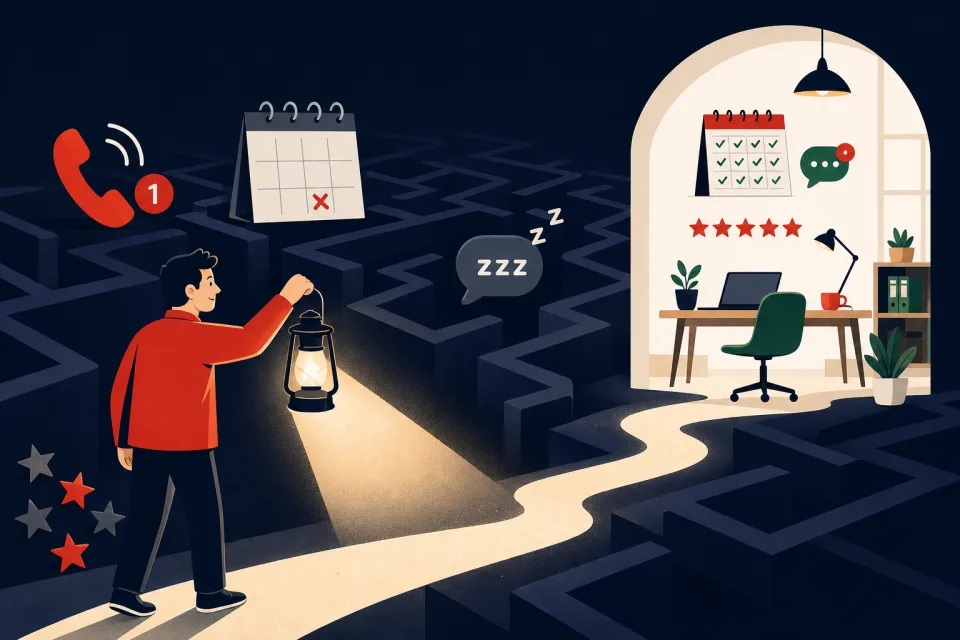
Why most businesses stall at a handful of reviews
Most owners mean to ask for reviews but never build a repeatable moment for it — the job ends, the team moves on, and the customer forgets. Google's own guidance is simple (make asking easy, reply to reviews), but it stops at policy — not at the text message or workflow that actually gets the click.
If you're on an all-in-one platform already, reputation tools are usually included — our GoHighLevel review covers where review requests sit in the broader stack. For the cost math and fit check before you build, see our review request automation solution. This guide is the step-by-step build.
The three levers that actually move your review count
Timing beats volume of asks. One request right after a completed appointment outperforms three reminders weeks later — the same moment you use to confirm and remind in our no-show SMS reminder workflow. Friction beats clever copy — a direct Google review link on mobile, not "search for us on Google." Follow-up beats hope — a single polite reminder three days later catches people who meant to but didn't.
Generic listicles cover the first two with posters and QR codes; they rarely show the follow-up loop or the carrier compliance that makes SMS requests deliver reliably in the US.
Build the review request automation in GoHighLevel
We run this on GoHighLevel because review requests, SMS, email, pipelines, and the unified inbox are one subscription — the same reason we use it for missed-call text-back and speed-to-lead. The build:
- Connect Google Business Profile. In the sub-account, link the location under Reputation / Settings so GHL knows which listing to request reviews for.
- Generate your review link. Use the platform's review-link tool — one URL that opens the Google review form for your listing. Test it on your own phone before you automate anything.
- Create a workflow trigger. Common triggers: pipeline stage moved to "Job complete," appointment status "Showed," or a tag "ready-for-review" applied manually or by another automation.
- Send the first request. SMS (highest tap rate for local services) or email: short, named, one link. Example: "Hi [name], thanks for choosing [business] — would you share a quick Google review? [link]". One question, one link.
- Wait, then one reminder. If no review after 72 hours, send a single follow-up. Two touches total — more starts to feel like spam and hurts opt-outs.
- Route replies to the inbox. Thank-you replies and questions land in the GHL inbox; assign someone to respond within a day.
A2P 10DLC — the step listicles skip
If you request reviews by SMS in the United States, carriers require A2P 10DLC registration before business texts deliver reliably. Unregistered numbers often work in testing then get filtered in production — the same failure mode we document in our missed-call guide and no-show reminder guide. See our A2P 10DLC registration guide for the full walkthrough.
Register your brand and campaign in Settings → Phone Numbers → Compliance before you turn the workflow on. Approval typically takes a few business days. Budget that wait in your launch timeline; email-only requests can go live sooner if you need reviews before SMS is approved.
What it costs on GoHighLevel
Review request automations are included in the $97/month Starter plan — no separate reputation SaaS fee. Usage adds roughly $0.0083 per SMS segment per message sent (first ask + optional reminder = two segments per customer). Email requests are pay-as-you-go on sending volume but negligible at small scale.
Standalone reputation tools often charge $50–$150/month for the same SMS nudge. If you already pay for GHL for CRM and booking, review automation is incremental cents, not another subscription — see real plan math in our GoHighLevel review.
What to expect (honest numbers)
Across local service accounts we configure, roughly 15–35% of customers asked leave a review when the ask goes out within 24 hours of service and the link works on mobile. That is not 100% — some people do not use Google, some ignore texts — but it beats manual asking because the follow-up runs every time.
Reviews compound: ten new reviews a month changes how you look next to a competitor stuck at twelve total. Pair this with answering every review publicly; Google's help docs stress replies for a reason — future customers read them. Our solution page frames the revenue case and when automation is worth it before you wire the workflow. If leads are your bigger leak, start with speed-to-lead or after-hours AI.
When manual asking beats automation
Skip or pause automation if you serve very low volume (under ~10 jobs/month) — a personal ask in person may feel more genuine. Do not automate if you cannot monitor the inbox — a review request followed by silence when they reply hurts trust. If SMS compliance is not worth the setup for your market, email-only requests still work, just at lower tap rates.
Businesses that only need a website, not ongoing client relationships, do not need this stack — our review pages call out when a simpler tool is the better fit.
Common questions
How many Google reviews do I need to rank locally?
There is no fixed number — what matters is having more recent reviews than nearby competitors in your category. For most local service businesses, getting from under 20 to 50+ reviews with steady new ones each month is when map-pack visibility usually improves. Consistency beats a one-time push.
Is it legal to ask customers for Google reviews by text?
Yes, when you ask customers who actually used your service, you disclose that you are the business, and you do not offer incentives tied to leaving a review (Google's policies prohibit "review gating" and paid reviews). SMS to US numbers also requires A2P 10DLC registration so carriers deliver your messages.
When is the best time to ask for a Google review?
Within 24 hours of a completed job or appointment — while the experience is fresh. The highest response rates we see are right after a successful visit, a resolved support ticket, or a positive reply to a follow-up "how did we do?" message.
Can GoHighLevel automatically request Google reviews?
Yes. GoHighLevel includes reputation tools on the $97/month Starter plan: you can send review requests by SMS or email from a workflow, track responses in the inbox, and follow up once if someone does not click. Setup takes an afternoon if A2P is already approved.
What if a customer leaves a negative review?
Reply publicly within a day — briefly, professionally, and with an offline resolution path. Automations should only go to customers you genuinely served; do not auto-text unhappy clients. Many owners pause the workflow for tagged "complaint" contacts.
Get your review loop running this week
Not sure automation fits your volume yet? Start with the solution page — stalled-review math, fit check, real pricing, and A2P compliance before the build.
Do it yourself: generate your free review link & QR, start a GoHighLevel 14-day trial, connect your Google Business Profile, register A2P on day one, and publish the two-touch workflow above — most owners are live within a week including carrier approval.
Have us do it: GBP connection, compliant SMS setup, review link, workflow, exclusions for complaint tags, and inbox routing — part of our done-for-you GoHighLevel setup.
Get the GHL Setup Checklist — free
The exact checklist we run for paying setup clients: 27 steps from empty account to booked appointments, including the A2P compliance items everyone forgets. Drop your email and read it right away.
No spam, no sequence-of-doom. We only email when we publish something worth your time. Privacy policy.